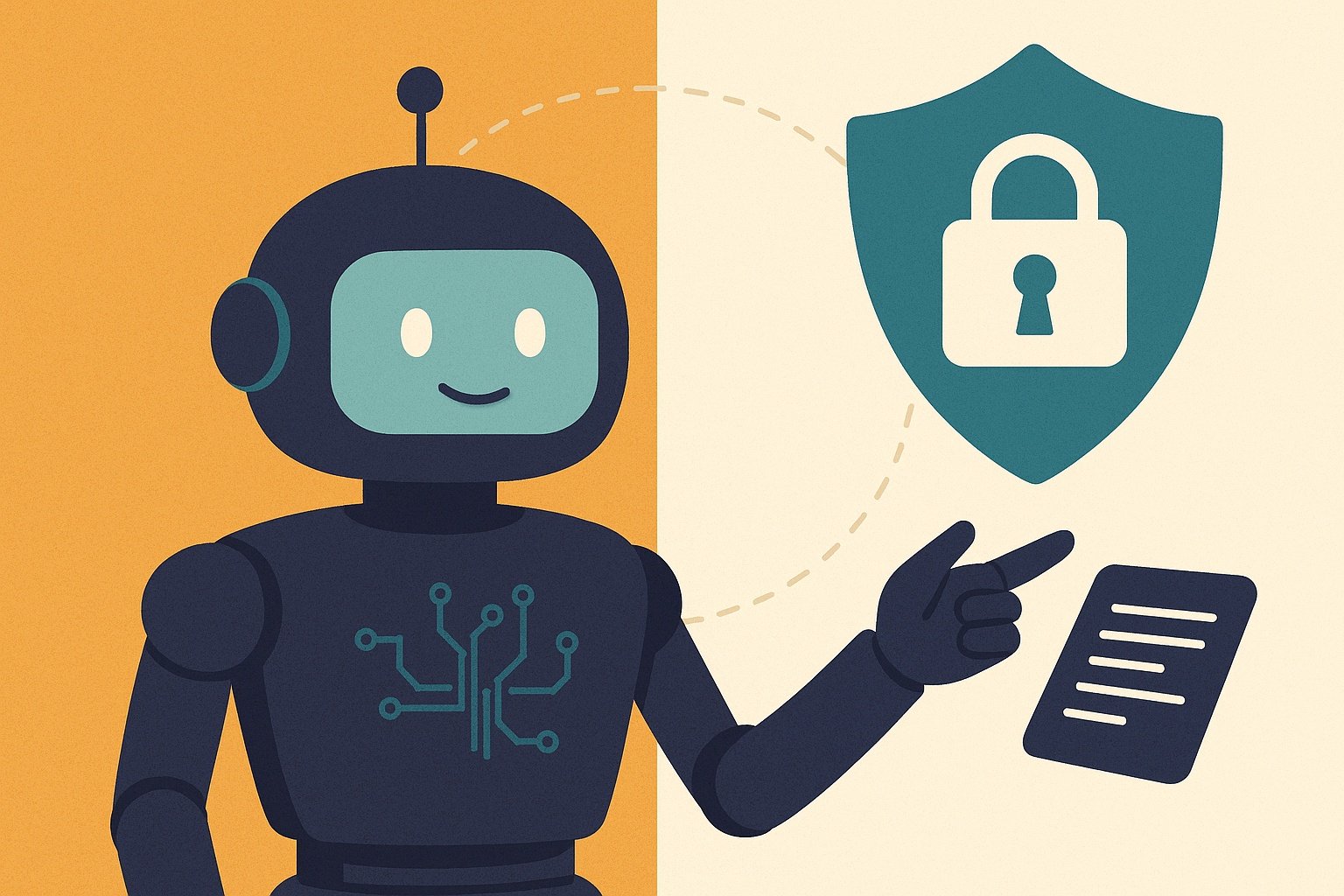
Asking is it safe to share personal details with an ai chatbot is exactly the right question, because the honest answer is: it depends on which chatbot, what details, and what you’ve agreed to. Most people treat AI chatbots like a helpful friend or a private diary, typing in health worries, financial details, and work secrets without a second thought. I did it myself the first week I used one — pasted in a contract to summarise, then felt my stomach drop as I wondered where that document had just gone.
Here’s the core issue: when you type something into an AI chatbot, you’re sending your words to someone else’s computer. What happens next depends on that company’s data policy, and the defaults are not always what you’d hope.
Is it safe to share personal details with an AI chatbot?
What actually happens to your inputs
Most free AI chatbots (ChatGPT, Gemini, Claude’s free tier) may use your conversations to train future models unless you opt out. That doesn’t mean a human reads your messages and it doesn’t mean your data gets published — training data is aggregated and anonymised in ways that make identifying individuals extremely difficult. But “extremely difficult” isn’t “impossible”, and there have been real incidents: Samsung engineers famously pasted proprietary source code into ChatGPT in 2023, and that data became part of the training pool. The lesson stuck: assume anything you type could, in some attenuated form, persist.
The traffic-light system I use
- Green — safe to share: general knowledge questions, creative writing, coding help with non-proprietary code, meal planning, travel itineraries, public information. The worst case is trivial.
- Amber — think first: your CV (it contains your address history and phone number), business ideas, work documents without trade secrets, health questions in general terms. Consider anonymising: “a friend has these symptoms” rather than “I, John Smith of Leeds, have these symptoms”.
- Red — never share: passwords, bank details, National Insurance numbers, passport or ID document contents, children’s personal details, confidential work data, trade secrets, anything covered by an NDA, and identifiable medical records. No exceptions, no matter how convenient it feels.
How to check a chatbot’s data policy
Before trusting any AI tool with amber-zone information, check three things — our full guide to checking whether an AI tool respects your privacy walks through this in detail:
- Is there a “don’t train on my data” setting? ChatGPT has one (Settings → Data Controls → “Improve the model for everyone” — turn it off). Use it.
- Is there a temporary/anonymous chat mode? Several chatbots now offer chats that aren’t saved or used for training. Use these for sensitive topics.
- Where’s the data stored, and for how long? Under UK GDPR you have rights over your data — including deletion — but exercising them with a US tech giant is easier in theory than practice.
The special cases people forget
Work use: your employer may have a policy on AI tools — many UK firms now ban or restrict them after data incidents. Check before pasting anything work-related. Some companies pay for business tiers (ChatGPT Team, Copilot for Microsoft 365) specifically because they come with contractual guarantees that inputs aren’t used for training.
Children: kids treat chatbots as confidants and share astonishing amounts. If your children use AI tools, this is a conversation to have explicitly — see our guide on teaching kids to use AI safely.
Health questions: asking “what could cause a persistent cough?” is reasonable; uploading your NHS discharge summary is not. And AI health answers need verification anyway — read our piece on the risks of using AI for medical advice.
The UK’s data regulator, the Information Commissioner’s Office, has published guidance on AI and data protection that’s worth a read if you want the authoritative version.
Workplace AI policies: what your employer should be telling you
One area where chatbot safety gets serious fast is work. Many UK employers now have explicit AI policies — some ban public chatbots entirely, others allow them with restrictions, and a worrying number have no policy at all while employees paste client data into ChatGPT daily. If you use AI at work, find out your employer’s position before you need it, not after an incident. And if you’re a manager or business owner, writing a simple policy is one of the highest-value documents you’ll produce this year.
A good workplace AI policy covers: which tools are approved (and which are banned), what data can go into them (public information vs internal vs confidential vs regulated), who’s responsible for checking AI outputs before they’re used, and what happens with client data. The principle is proportionality — a marketing agency drafting social posts needs lighter rules than a law firm handling client confidences or an NHS trust handling patient data. But every organisation handling other people’s data needs something in writing.
For freelancers and small businesses, the business tiers of major AI tools (ChatGPT Team, Microsoft 365 Copilot, Claude for Work) exist precisely for this: contractual guarantees that your inputs aren’t used for training, admin controls, and audit trails. They cost £20–£30 per user per month — trivial compared to the cost of a data breach or a lost client. If AI is part of your professional workflow, the business tier isn’t a luxury; it’s the cost of doing it properly — clients trust freelancers who handle their data responsibly.
One more scenario worth preparing for: AI voice and video calls. The next frontier of chatbot interaction is voice — talking to AI rather than typing — and it raises the intimacy (and the risk) a notch. People disclose more by voice than by text; it’s human nature. The same traffic-light rules apply, but be extra conscious: don’t have sensitive conversations with voice AI in public places, remember that voice data is biometric data (with extra protections under privacy law), and check whether conversations are stored as audio. The convenience is real; so is the exposure. Enjoy the former, manage the latter.
Your practical takeaway
Turn off training-data sharing in every chatbot you use, learn where the temporary-chat mode is, and apply the traffic-light test before typing anything personal. The technology is genuinely useful — you don’t need to avoid it, just to use it with the same caution you’d apply to telling a friendly stranger at a conference. Green information freely, amber carefully and anonymised, red never.